

Wallpaper, themes and language
In the admin: Appearance. See the Settings reference.
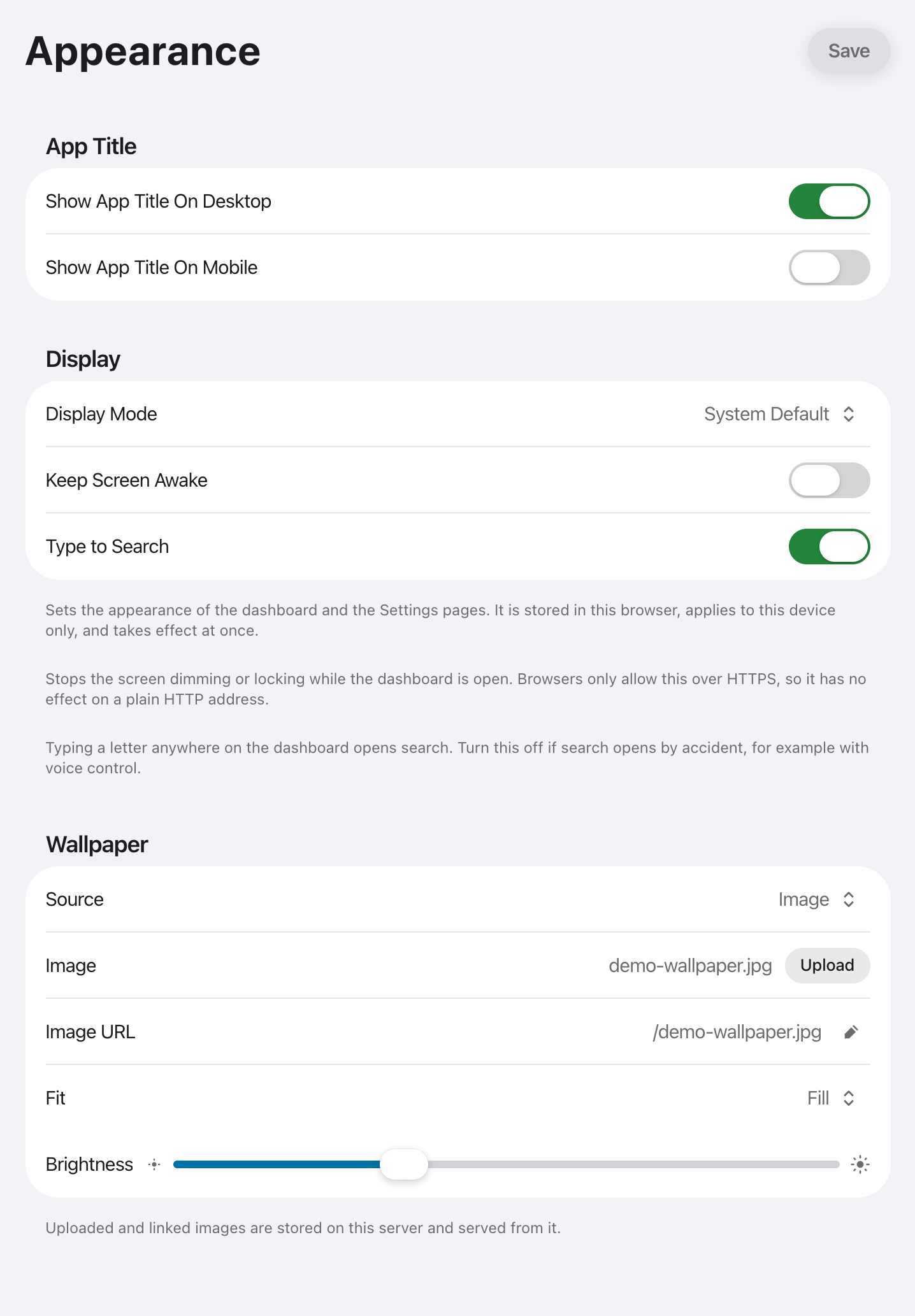
Set in the admin UI under Appearance. Everything applies immediately.
Turning titles off gives a denser grid of icons alone.
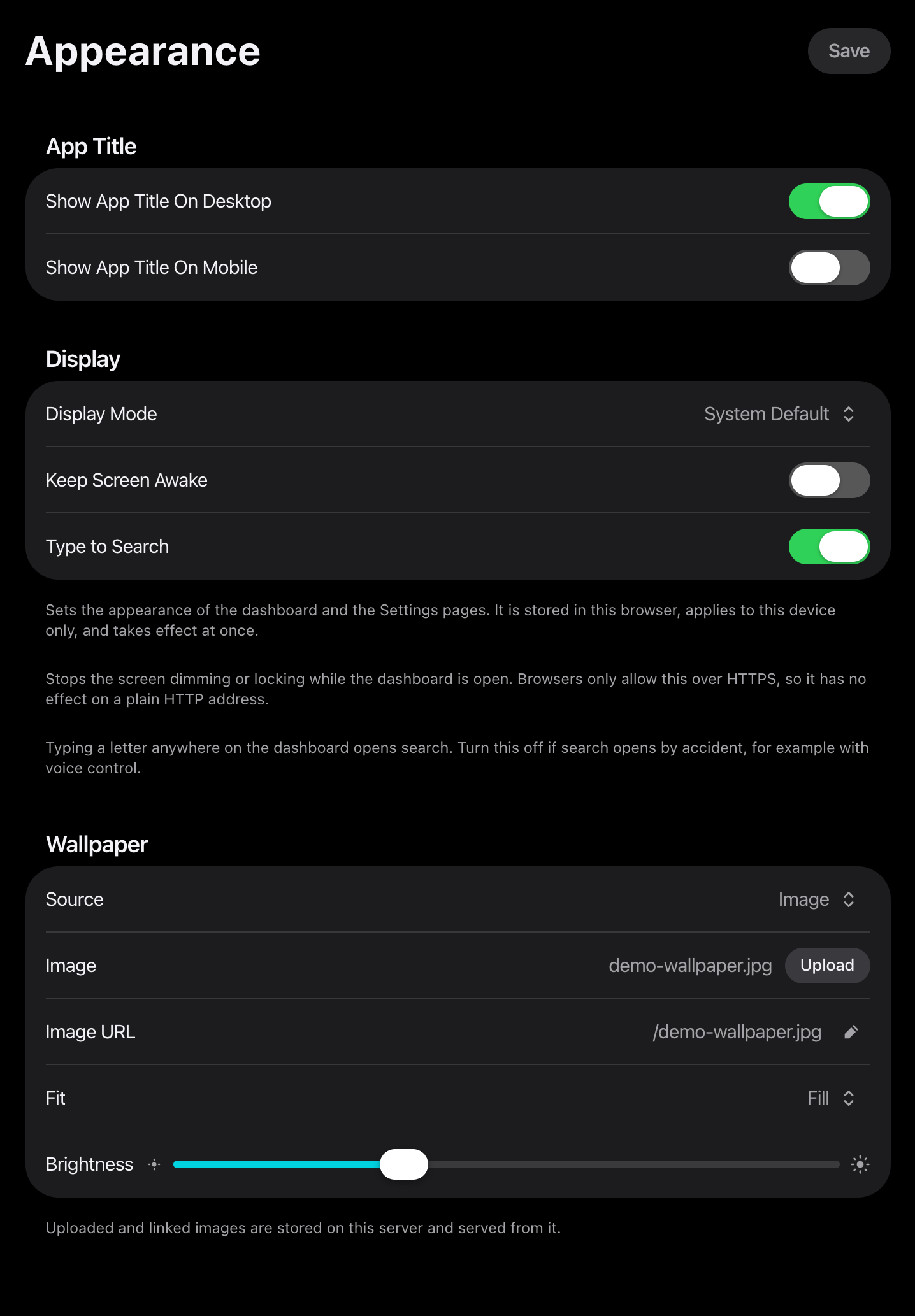
Display Mode sets light or dark for the dashboard and the Settings pages. System follows the device and changes with it, so a device that switches at sunset switches Stackyard too. The choice is stored in the browser, so each device has its own.
Type to Search opens search when you type a letter anywhere on the dashboard. Turn it off if search opens by accident, for example with voice control. The search button still opens search.
Widget cards are white in light mode and near-black in dark mode. A few widgets are drawn only in dark and keep a dark card in both. The Weather widget follows its own day and night, never the display mode.
Increased contrast and reduced motion are honoured. Reduced transparency drops the blur behind cards and keeps the motion.
Wallpaper
Section titled “Wallpaper”| Source | What it does |
|---|---|
| Image | Upload a file, or paste a link that is downloaded once. |
| Solid color | A single colour behind the grid. |
| Unsplash | A random image, or one from a collection. Needs an Unsplash API key. |
Brightness dims the wallpaper so tiles and labels stay readable. Fit chooses Fill or Fit.
Uploaded and linked images are stored on your own server and served from it. Choosing Image or Solid color means Unsplash is never contacted. See Security.
Getting an Unsplash key
Section titled “Getting an Unsplash key”Unsplash needs a free developer account. The key is a plain string you paste into Appearance, Wallpaper, API Key.
- Sign in at unsplash.com/developers.
- Choose Your apps, then New Application. Accept the API terms.
- Give it any name and description. A demo application is enough for personal use.
- Open the application and copy the Access Key.
Paste the Access Key, not the Secret Key. Stackyard only reads public photos and never needs the secret.
A demo application is rate limited to 50 requests per hour. Stackyard asks for one image at a time, so that is ample.
Finding a Collection ID
Section titled “Finding a Collection ID”Leave Collection ID blank for a random photo from all of Unsplash. Set it to pull only from one collection.
The ID is the number in the collection’s own URL:
https://unsplash.com/collections/1234567/collection-namePaste only the highlighted number, not the whole URL.
Language
Section titled “Language”Six languages ship: English, Persian, Simplified Chinese, Spanish, German, and French. Change it in General.
Persian is right to left. The whole layout flips, not only the text.
On a phone
Section titled “On a phone”Stackyard has a real mobile layout, not a shrunken desktop one. The grid re-flows, the search bar moves within thumb reach, and the settings sidebar becomes a tab bar.
Add it to your home screen and it opens in its own window, without browser chrome.