
Introduction
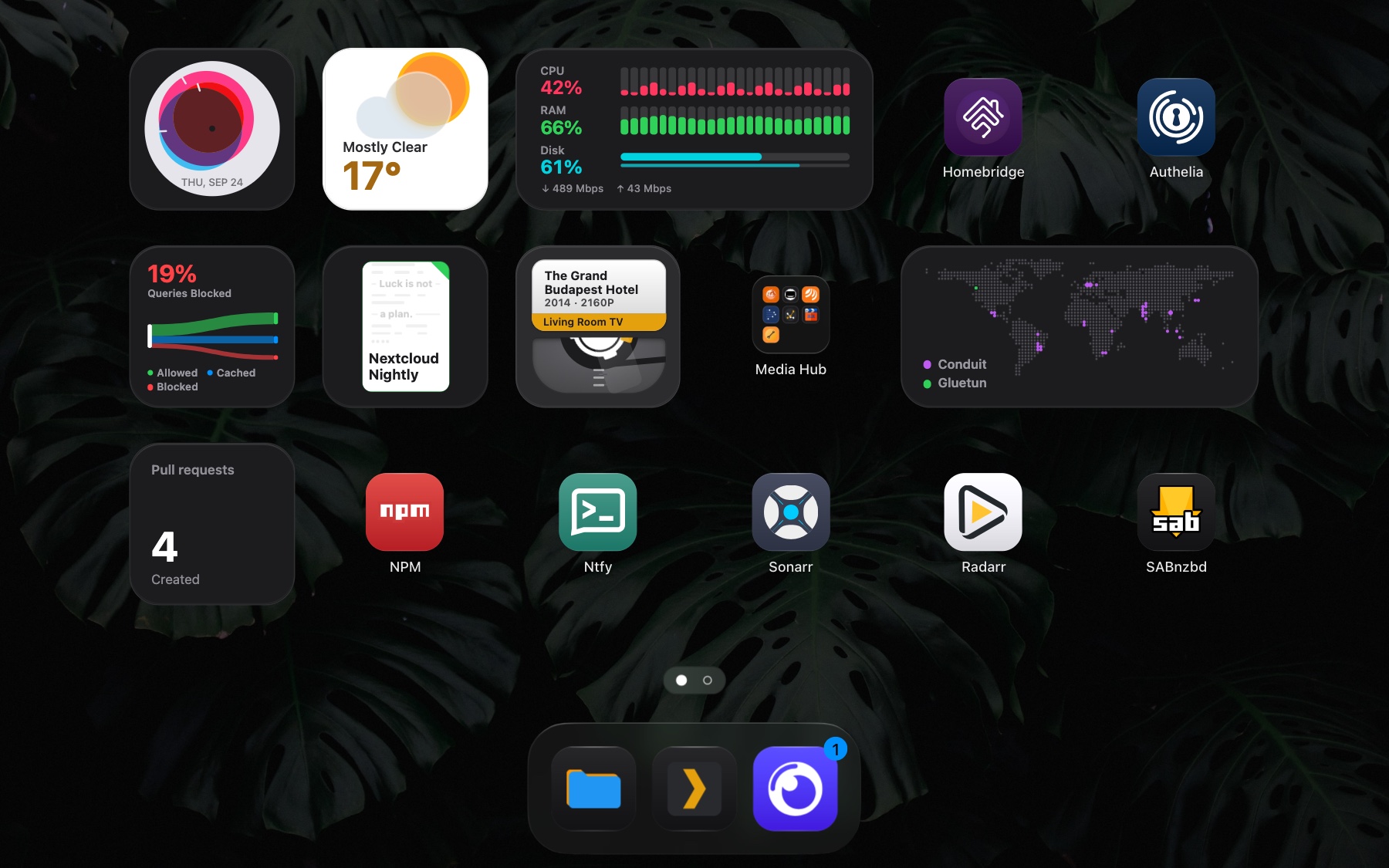
Stackyard is a self-hosted dashboard for the services on your network: a launcher-style grid of app tiles, folders, and a small number of widgets, running as one container.
Most dashboards are a wall of numbers and charts. Stackyard is built to be glanced at a hundred times a day without feeling cluttered.
That is the whole interface. Widgets across the top, apps and folders below, a dock at the bottom, and everything on it added through the web UI.
What it does differently
Section titled “What it does differently”- Attention goes where it is needed. Health badges appear only when something is wrong.
- Widgets are small visuals, not readouts.
- Anything can be a badge. Point Stackyard at an API, pick a value from the response, and it appears on the tile. See Badges.
- Everything is configured in the web UI. There are no configuration files to edit.
- Six languages, right to left included, and built to WCAG 2.2 level AA. See Accessibility.
- It installs to a phone home screen and opens in its own window.
How it is built
Section titled “How it is built”One container, two processes: nginx serves the static UI, a Node HTTP server handles the API.
The API has no runtime dependencies. The frontend is vanilla JavaScript with no build step. State is a single JSON file on the data volume, and the web UI is the only thing that writes it.
Try it first
Section titled “Try it first”A public read-only demo runs at demo.sandobserver.com.
Where to go next
Section titled “Where to go next”Install it with Docker, then work through First setup.